Wednesday, March 11, 2015
Freemium model for enterprise software
The Freemium business model is normal for consumer applications, but can it work for enterprise software? Freemium usually means a free service with an "up sell" to paid premium subscriptions. Examples include Skype, LinkedIn, Flickr, Ancestry.com, Typepad, Dropbox, and many others. Freemium differs from Free Trial in that a free trial is the fully functional product but only for a limited time. Freemium is always free, but you can purchase additional features or service for a premium price.
Freemium business models usually involve a Free service, sometimes time limited or feature limited, supported by advertising. The ads rarely cover costs. The goal is to convert these free users to paid subscriptions. Most consumer services start with a $10 per user per month subscription and scale up to $20 or $50 per month based on a small, medium, large usage scale.
Enterprise software is also using the Freemium model, sometimes with higher prices commensurate with the power and functionality of the product. They all have slightly different measurements and cut-off points, but most have some notion of small, medium, large.
Most companies see a 1.5% to 5% conversion rates, with most of them averaging around 3%. That doesnt sound like much but they are reaching tens of thousands to hundreds of thousands of users...sometimes millions.
Here is some math. 100,000 free users convert to 3,000 paid users. If they pay $50 per user per month, that is $150K a month or $1.8M per year. That is an excellent revenue stream for small startups that typically have 3 to 5 employees. And, it is an annuity stream that continues to grow every year. By the 3rd or 4th year these small companies can be generating $5M to $10M a year, still with less than 10 employees. Most of these small companies dont take Venture Capital so they own the whole company. It is a pretty good cash flow business.
Recently at Google IO I moderated an all-star panel of VCs on the subject of Freemium in the enterprise.
Making Freemium work - converting free users to paying customers - Venture Capitalists, Brad Feld (Foundry Group), Dave McClure (500 Startups), Jeff Clavier (SoftTech VC), Matt Holleran (Emergence Capital) and Joe Kraus (Google Ventures) discussed strategies for building free products that can be upgraded to paid versions.
Some key points from the panel;
- Your initial thoughts about how much customers will pay, and how much they will pay, is probably wrong
- Start collecting usage statistics from day one, even if you dont have time to analyze them. These stats will help you understand which features customers really use, and what they are likely to pay for.
- Customers tend to optimize for "least surprise" so they tend to purchase a service level one above what they think they will need. Think cell phone pricing models.
- Gmail Enterprise is a good example of an enterprise Freemium product based on usage limits. The first 50 users are free, but convert to paid subscription over that.
- Freemium works best where there is a "network effect" or where more free users contributing content or data makes the service more valuable.
- Put your business model in beta at the same time you put your product in beta. Test several business model scenarios to see what works best.
- Consumers dont pay for additional features, turning off advertisements, analytics, etc...but businesses may be very happy to pay for these things
- Google Apps Marketplace is a great channel to get your product to Google Apps business customers.
Watch the video for more details and insight. This group of VCs has built lots of companies based on the Freemium business model. They have some great insights.

Wednesday, February 18, 2015
Windows 8 Enterprise 32 and 64 Bit Full version Official download direct from Microsoft In single link ISO

Info:
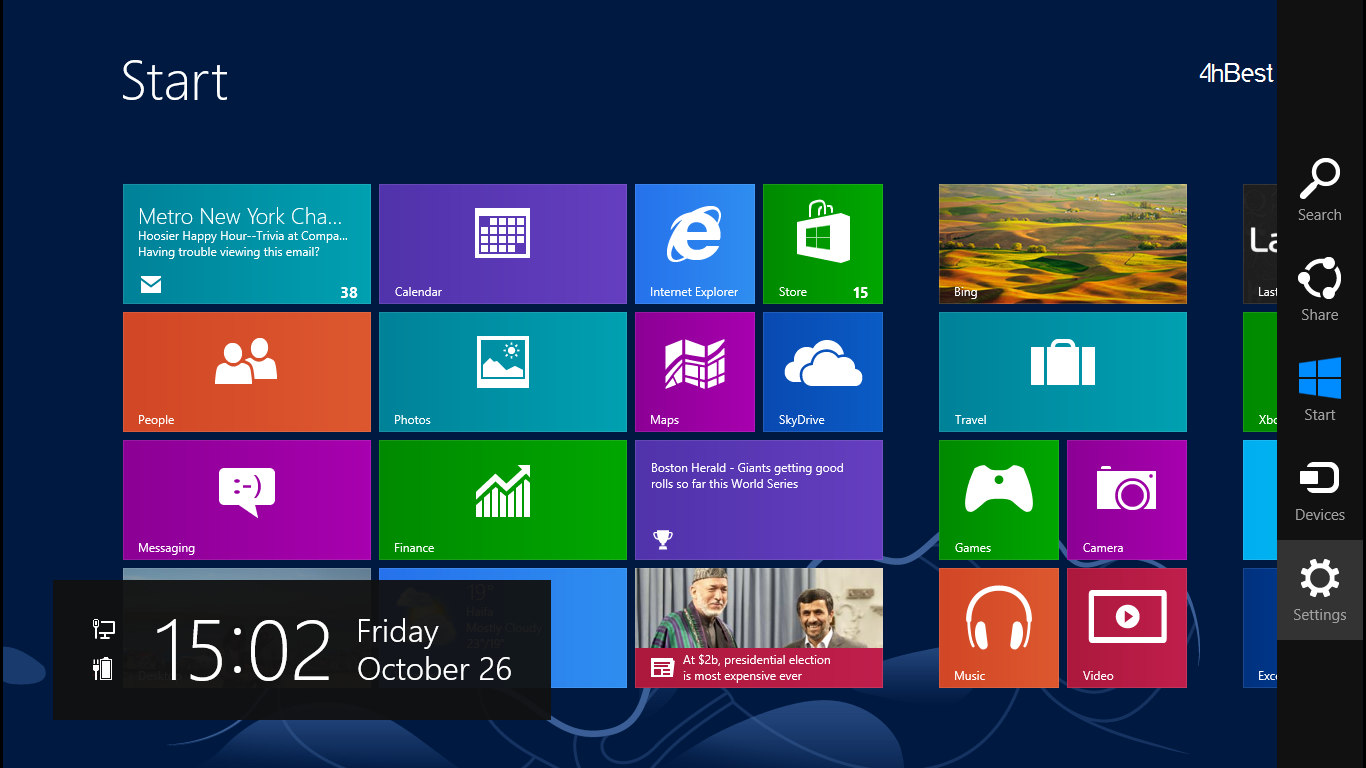
Windows 8 Enterprise is the reverse-mullet of operating systems: all party in front and business in the back. Up front, the new Start screen and touch-focused interface are more focused on users having a good time—one can not imagine many productivity applications for having access to content based on a gamertag, for example. Behind the tiles, the Desktop is where all the real work will happen.
And even at the Desktop level, Windows 8 Enterprise does not wear its business credibility on its sleeves. The exclusive features in the volume-licensed version of Windows 8 packaged specifically for business users are for the most part under the covers and barely visible. But they make it possible for users to work more securely, and take their work with them when they untether from the LAN—or, with one new feature, when they unplug their boot thumbdrive from the PC.
There are six features exclusive to Windows 8 Enterprise that aim to make it friendlier for business use:
Windows to Go capability, which allows users to boot a secured image of Windows from a USB drive
BranchCache content staging and network storage caching feature
AppLocker application access control
DirectAccess remote access technology
Enhanced VDI support for touch-based Windows devices
"Side-loading" of internal applications developed using the "Metro" interface
Not all of these features are new in Windows 8. DirectAccess, AppLocker, and BranchCache were available in Windows 7 Enterprise and Ultimate, as was VDI support. The improvements in BranchCache, VDI support, and DirectAccess are also dependent on changes in Windows Server 2012. And other than Windows to Go and VDI, the features are largely hidden from the end-user and depend on Active Directory and Windows group policy settings—and in some cases Windows PowerShell—to be configured.
But are these features in and of themselves enough for businesses to justify upgrading—and dealing with the user retraining, software testing, and other hassles that come with a major operating system upgrade? For companies that have volume licensing already in place, for whom a "step-up" fee may not be that major a financial consideration, the other hard and soft costs of upgrading may outweigh any benefits from the internal improvements of Windows 8 itself. Much of the decision will rest on whether or not to embrace the new Windows 8 application development model, the adoption of x86-based tablets, and considerations beyond the technical soundness of the platform itself.
The good news is that Windows 8 Enterprise is ready to go when businesses decide to be assimilated—and IT pros wont have to change much about how they currently support Windows desktops and notebooks to accommodate the change. Some of the new features of Windows 8 Enterprise may not be easy to deploy immediately because of a lack of supporting devices and applications, however. So it might be a while before many businesses feel ready to stop fearing the Start screen and love Windows 8 Enterprise. Read more
System requirements:
- Processor: 1 gigahertz (GHz) or faster with support for PAE, NX, and SSE2 (more info)
- RAM: 1 gigabyte (GB) (32-bit) or 2 GB (64-bit)
- Hard disk space: 16 GB (32-bit) or 20 GB (64-bit)
- Graphics card: Microsoft DirectX 9 graphics device with WDDM driver
1. After Downloading Windows 8 open it and copy all files to USB and restart your PC and Boot from USB.
2. it will working 100%.........! Enjoy
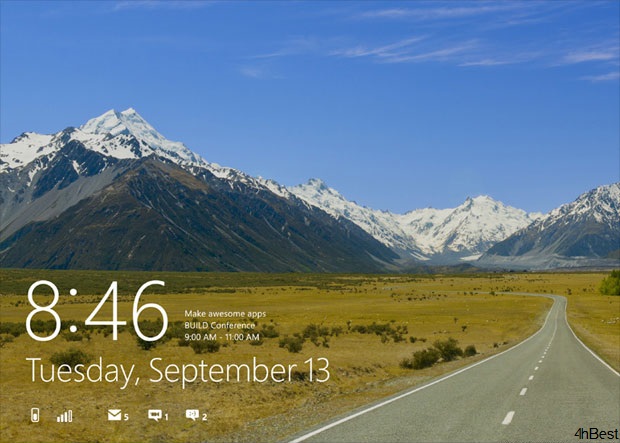
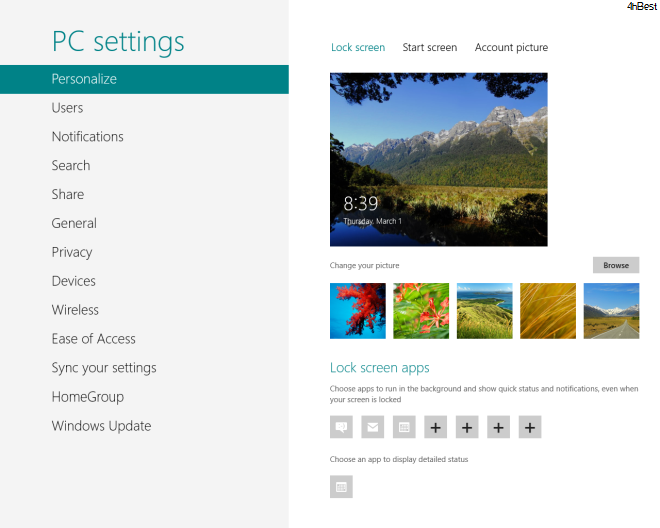
Screen Shots: Click on the image to view large screen
 |  |  |